
- At its core, invoice scanning OCR technology bridges the gap between unstructured visual files (paper scans, email PDFs.
- Finance and IT buyers get clearer pilot results when they evaluate the three distinct layers inside an automated invoice.
- A production invoice extraction workflow moves each vendor bill through six controlled stages:
Invoice scanning OCR technology is an automated document processing system that captures printed or digital supplier bills, extracts financial header and line-item fields into structured data, validates mathematical and purchase-order rules, and routes verified entries into enterprise accounting and ERP ledgers under governed human oversight.
For accounts payable leads and finance directors, incoming supplier bills create an operational bottleneck long before payment runs begin. According to an Institute of Financial Operations & Leadership (IFOL) survey cited by BILL (read 2026-11-11), 22% of finance professionals cite invoice-processing delays as their single biggest AP challenge. Teams spend hours keying invoice numbers, multi-page SKU quantities, and tax totals into ERP screens while chasing warehouse receiving slips in chat channels. Understanding how invoice scanning OCR technology works across image capture, semantic parsing, validation, and human approval gates helps finance leaders build a fast, audit-ready procure-to-pay workflow.
What Is Invoice Scanning OCR Technology and How Does It Work?
At its core, invoice scanning OCR technology bridges the gap between unstructured visual files (paper scans, email PDFs, supplier portal downloads) and the structured double-entry records an ERP ledger requires.
Modern invoice ocr scanning operates across two connected technical layers:
- Image Capture and Preprocessing (Scanning): Digitizing paper bills at 300 DPI or higher (as recommended in Stripe's technical guide to OCR invoice processing , read 2026-11-11) or ingesting digital PDFs directly from AP inboxes, followed by automatic deskewing, contrast normalization, and noise removal.
- Optical Recognition and Semantic Parsing (IDP): Translating character shapes into machine-readable text while using layout-aware models to distinguish a vendor's tax ID from your own "Bill To" header, reconstruct multi-page line-item tables, and classify subtotals, freight, and tax lines.
Unlike legacy coordinate-based scanners that break whenever a supplier adjusts column widths, modern intelligent document processing for invoices interprets spatial and accounting context across unfamiliar vendor layouts without manual template setup.
Core Architecture: Scanning vs. Optical Recognition vs. Semantic Extraction
Finance and IT buyers get clearer pilot results when they evaluate the three distinct layers inside an automated invoice data capture pipeline:
- The Image Preprocessing Layer: Cleans real-world document defects. Warehouse delivery copies and mobile uploads often arrive rotated, shadowed, creased, or below 300 DPI. Preprocessing straightens page geometry and sharpens character edges before recognition runs.
- The Optical Character Recognition Layer: Converts pixel patterns into text strings and numbers, resolving visually similar characters (
8vs.B,0vs.O,1vs.I) and assigning character-level confidence scores. - The Semantic Accounting Layer: Turns raw strings into structured accounting fields. Reading
$1,450.00on a page is simple; knowing whether$1,450.00represents a line-item unit price, freight surcharge, sales tax, credit memo, or net balance due requires layout comprehension and cross-field math checks.
Modern Invoice Extraction Workflow: Six Stages From Intake to Ledger
A production invoice extraction workflow moves each vendor bill through six controlled stages:
1. Multi-Channel Ingestion
Supplier bills arrive across AP email aliases, vendor portals, mobile scans, and department chat rooms. The intake layer consolidates PDFs and images into one tracked queue, splits multi-invoice PDF batches into individual vouchers, and logs arrival timestamps.
2. Automated Image Normalization
Before extraction starts, the engine corrects page rotation, strips background scan noise, and normalizes contrast so faint thermal ink or stamped dock notes remain readable.
3. Header and Multi-Page Line-Item Extraction
Multi-modal document models extract both header fields (Vendor Name, Tax ID, Invoice Number, Invoice Date, Due Date, Currency, Payment Terms) and repeating line-item rows (SKU, Description, Quantity, Unit Price, Tax Code, Line Total), maintaining table continuity across page breaks.
4. Deterministic Math Checks and 3-Way Matching
Every extracted voucher undergoes automated verification before human review:
- Line-level arithmetic: Confirming that
Quantity * Unit Price - Discount = Line Totalon every row. - Header cross-footing: Confirming that
Sum of Line Totals + Tax + Shipping = Gross Invoice Total. - Duplicate and PO verification: Checking for duplicate invoice numbers or matching amounts within recent date windows, and cross-referencing extracted quantities and unit prices against approved Purchase Orders and warehouse Goods Receipt records. For a deeper look at automated PO and receipt verification, read Autonomous 3-Way Matching: Verifying Purchase Orders, Vendor Bills, and Receiving Slips .
5. Exception Routing and Human Approval Gates
Clean, PO-matched bills that pass every mathematical and tolerance rule advance without clerical re-keying. Whenever a field carries low extraction confidence, a unit price exceeds PO tolerance, or a bill crosses budget sign-off limits, the workflow routes an exception to the responsible reviewer with visual highlights on the source PDF.
6. General Ledger Posting and Audit Archival
Once approved, the structured voucher generates balanced double-entry accounting records, updates open vendor payables, and stores the original invoice file alongside an immutable log of every extraction, edit, and approval timestamp (supporting source-document retention rules such as IRS Publication 583 , read 2026-11-11; confirm local statutory retention timelines with your tax advisor).
Comparison: Legacy Template OCR vs. Multi-Modal AI Document Intelligence
| Capability | Legacy Template OCR | Multi-Modal AI Document Intelligence |
|---|---|---|
| Vendor Onboarding | Manual bounding-box zone setup for each supplier format | Zero-template capture across new and changing vendor layouts |
| Layout Resilience | Breaks when suppliers shift columns, fonts, or logos | Adapts to shifted tables, multi-page spans, and varied headers |
| Line-Item Table Parsing | High error rates on wrapped descriptions and borderless tables | Context-aware row alignment paired with line-by-line math checks |
| Confidence & Exceptions | Basic character scores; silent errors require manual hunting | Field-level confidence thresholds with visual source highlights |
| Cross-Team Resolution | Exports flat CSV/XML files; exceptions chased over email or chat | Linked directly to tasks, department threads, and approval queues |
| ERP Connection | Requires separate import scripts or middleware mapping | Maps directly into structured ERP payable objects and audit logs |
Actionable Implementation Checklist for Finance & AP Leaders
Use this 8-point operational checklist when rolling out invoice scanning OCR across your finance organization:
- [ ] Map every invoice intake channel: List all shared AP email inboxes, procurement portals, warehouse scan stations, and department chat rooms where vendor bills enter the business.
- [ ] Standardize scan quality at 300 DPI: Set hardware scanners and mobile capture guidelines to 300 DPI or higher to minimize preventable character errors on paper delivery slips.
- [ ] Define mandatory header and line-item schemas: Specify which bills require full SKU-level table extraction (inventory POs) versus header-plus-GL coding (recurring overhead bills).
- [ ] Set deterministic math and tolerance bands: Configure exact cross-footing checks and clear price/quantity variance limits (such as ±1% or ±$10 for minor rounding).
- [ ] Benchmark on 50 to 100 real historical invoices: Test messy multi-page tables, handwritten dock notes, foreign currencies, and negative credit memos before going live.
- [ ] Configure role-based human sign-off tiers: Require human approval for low-confidence fields, PO discrepancies, new vendor bank details, and high-value disbursements.
- [ ] Verify end-to-end 2-way and 3-way matching: Confirm that unreceived goods or overbilled unit prices automatically hold payment and notify Procurement or Warehouse owners.
- [ ] Audit the permanent transaction record: Check that every posted ledger entry links back to the original PDF, extracted field history, and approver timestamp.
Governed Invoice Operations in DualforceOS
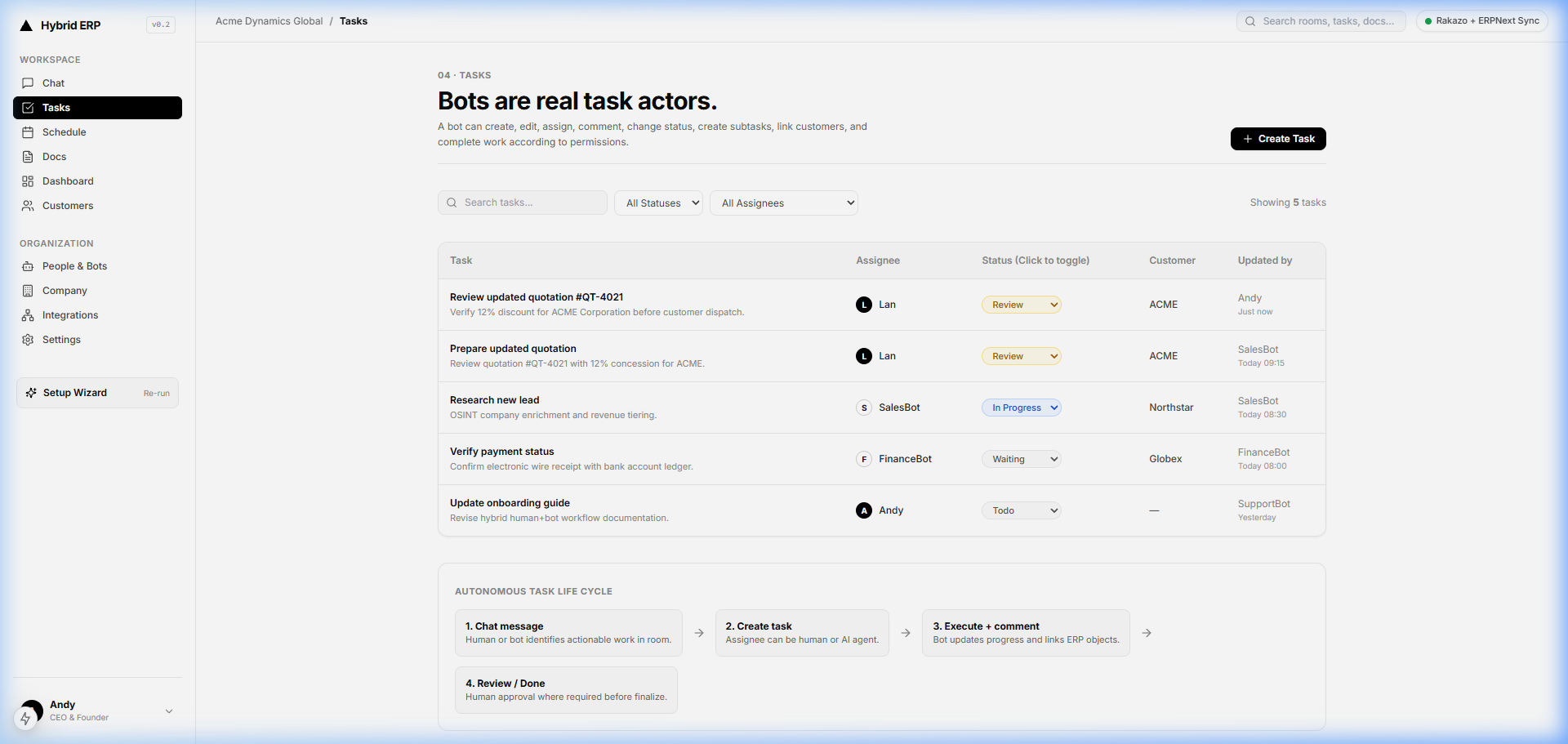
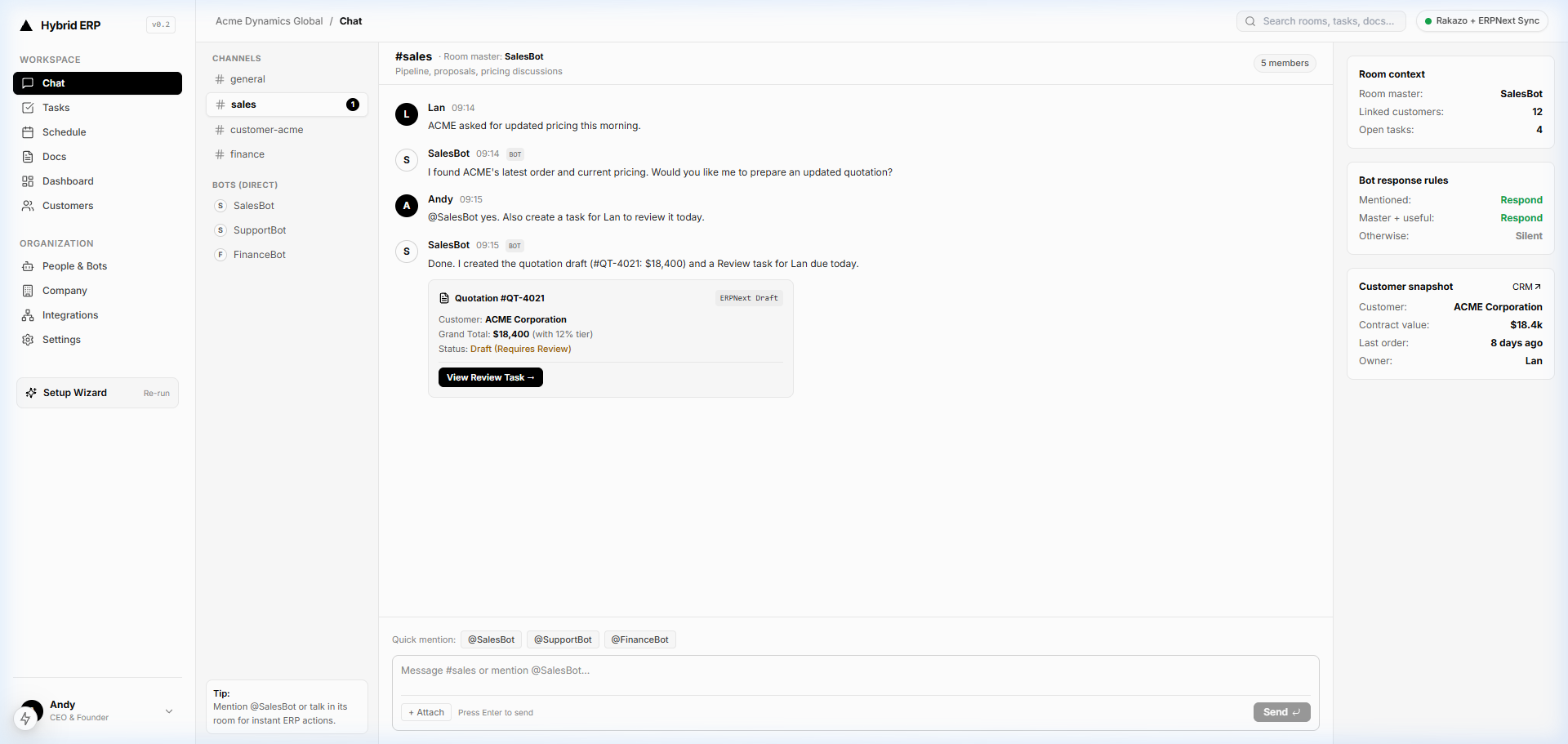
DualforceOS connects document capture directly to cross-department execution and accounting in one chat-first operating workspace. When a vendor bill is uploaded or dropped into a department Chat Hub, Docs & OCR extracts header details, tax lines, and multi-page tables into structured records.
Under DualforceOS's 5 AI execution levels, @FinanceBot handles routine preparation (Auto: Read / Draft / Update): checking supplier records, verifying line-item math, coordinating receiving checks with @OpsBot via Tasks & Kanban, and drafting an In-stream ERP Object. Sensitive actions stay under human control (Approval: Sign-off / Critical): low-confidence fields, PO variances, or high-value bills route to finance leads in the Attention Center for 1-click sign-off before posting to the double-entry ledger with a complete Audit Trail.
Related Reading on the DualforceOS Blog
- Autonomous 3-Way Matching: Verifying Purchase Orders, Vendor Bills, and Receiving Slips
- The Human-in-the-Loop Imperative: Scaling Autonomy Without Losing Compliance
- Real-Time General Ledger Sync: Putting an End to Month-End Close Panic
- The Autonomous Task Life Cycle: From Conversational Chat to Verified ERP Ledger Execution
Editorial & SEO Metadata (Internal Notes)
- SEO Title: Invoice Scanning OCR Technology: Complete AP Workflow Guide (59 characters)
- Meta Description: Learn how invoice scanning OCR technology captures vendor bills, validates multi-page line items, supports 3-way matching, and posts governed ERP records. (154 characters)
- Suggested Slug:
invoice-scanning-ocr-technology - Primary Keyword:
invoice scanning ocr technology - Secondary Keywords:
invoice ocr scanning,automated invoice data capture,intelligent document processing for invoices,invoice extraction workflow - Target Persona: Finance Director / CFO / Accounting Lead
- Structured Data Note: Article and FAQPage Schema.org JSON-LD are generated automatically by the DualforceOS Blog CMS upon publish from the exact FAQ section above (raw JSON-LD blocks removed from the editorial draft for clean reading).
- Review Notes: Feature names strictly follow the DualforceOS Product Master (
Docs & OCR,Chat Hub,Tasks & Kanban,@FinanceBot,@OpsBot,In-stream ERP Objects, 5 execution levels,Attention Center,Audit Trail). Internal links point exclusively to live articles verified ondualforceos.com/blogon 2026-11-11.
Related articles
Best OCR Software for Invoice Processing (2026 AP Guide)
Chat-First ERP: What It Changes, and Where Forms Still Win
The Smartphone Moment for ERP: Why Business Systems Must Be Conversational
FAQ
What is the difference between invoice scanning and invoice OCR?
Invoice scanning is the image-capture step that turns paper bills or digital attachments into normalized image files. Invoice OCR is the recognition and parsing layer that converts those pixels into machine-readable characters, numbers, and structured accounting fields such as vendor IDs, line items, tax amounts, and due dates.
Can invoice scanning OCR technology handle multi-page invoices with tables?
Yes. Modern multi-modal document intelligence tracks column structures across page breaks, groups wrapped item descriptions into single rows, separates intermediate page subtotals from final payable totals, and runs line-by-line multiplication checks to confirm that no line items were dropped or misread across pages.
How accurate is invoice OCR technology in real-world accounting?
While optical engines often reach 98% to 99% character accuracy on clean scans, real-world field-level accuracy depends on layout complexity, scan resolution, and table structure. Pairing multi-modal extraction with deterministic math validation and confidence-based human review prevents misread digits from reaching the general ledger.
Why do finance teams keep human approval gates alongside invoice OCR?
Even strong extraction models encounter edge cases such as handwritten delivery adjustments, altered supplier bank details, negative credit memos, or unapproved unit-price increases. Threshold-based human sign-off keeps routine PO-matched bills moving fast while ensuring controllers authorize exceptions and sensitive disbursements before payment. Explore how DualforceOS governs finance workflows at dualforceos.com.
The DualforceOS team builds the chat-first enterprise operating system where human operators and AI agents share one workspace, structured business records, and human-governed approvals.
Discussion
No comments yet