
- Every manual payable cycle forces accounting staff to bridge disconnected communication and record systems.
- Production-grade invoice ocr software does far more than read characters off a page.
- Finance and IT buyers evaluating ocr for invoice processing get clearer pilot outcomes when they compare architectures.
Invoice OCR is an automated document capture and parsing technology that extracts structured header, tax, and line-item data from paper scans or digital vendor bills, validates mathematical and purchase-order rules, and routes verified payable entries into accounting systems under governed human review.
Finance directors, controllers, and accounts payable leads rarely struggle because their teams misunderstand accounting rules; they struggle because supplier bills arrive as unstructured PDFs, skewed warehouse scans, and multi-page email attachments. Re-keying invoice headers, GL codes, and line-item quantities across spreadsheets, chat threads, and ERP screens slows month-end close and introduces avoidable transcription errors. Implementing structured invoice ocr replaces manual typing with deterministic validation while keeping finance managers in control of exceptions and payment sign-off.
Why Manual AP Breaks Before Invoice OCR Enters the Workflow
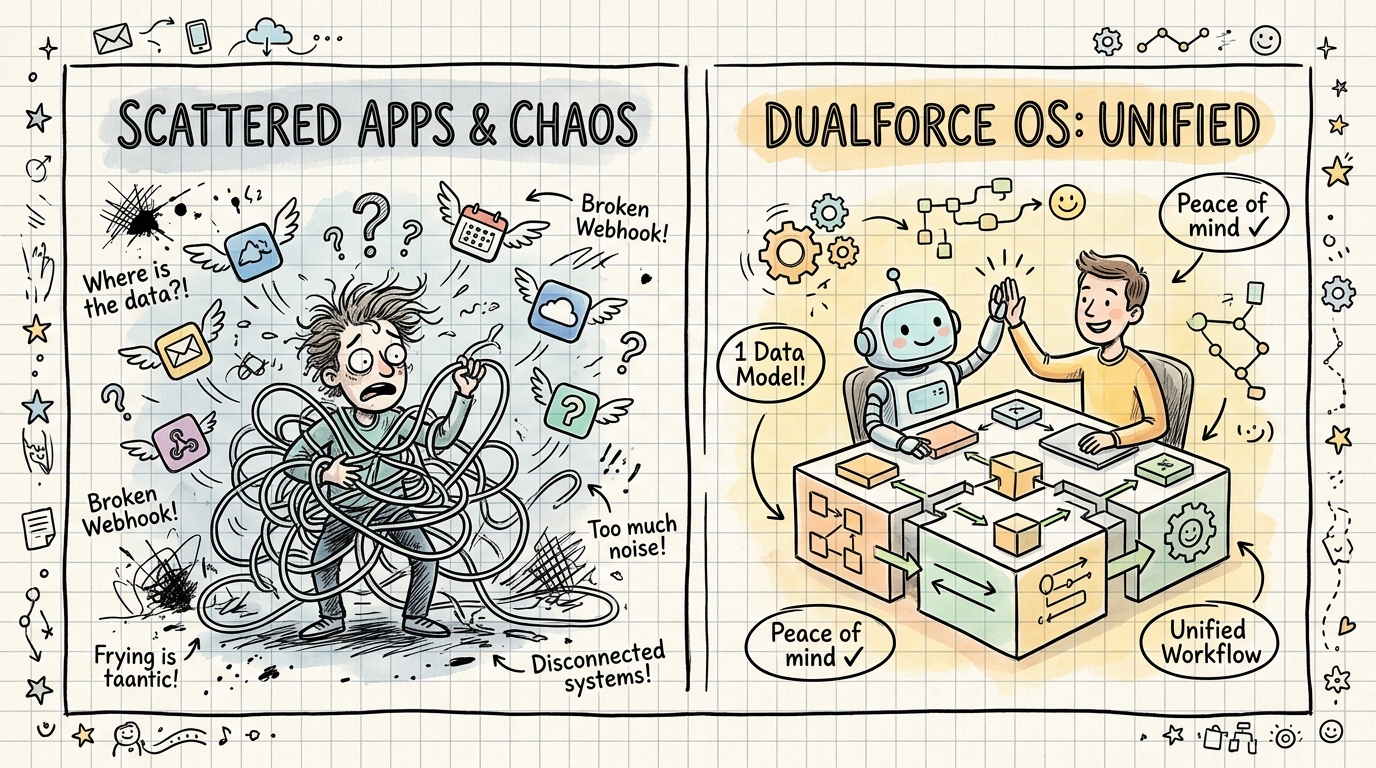
Every manual payable cycle forces accounting staff to bridge disconnected communication and record systems. A vendor sends a PDF invoice to a shared inbox, an AP specialist downloads the file, checks a separate procurement sheet for the purchase order, messages an operations manager in chat to confirm receipt, and finally types the figures into the accounting ledger. When invoice volume grows, context fractures across channels and early-payment discounts slip past due dates.
Without automated ocr invoice processing, three operational failure modes appear repeatedly during audit and close cycles:
- Header and line-item keying mistakes: Transposed invoice numbers, swapped net and gross totals, or misread currency codes create reconciliation work weeks later.
- Invisible approval bottlenecks: Bills awaiting unit-price clarification or delivery confirmation sit buried in email threads with no structured status visibility.
- Unsearchable document archives: Storing flat PDF scans in shared folders without Discrete metadata makes vendor inquiries and tax examinations slow to resolve.
How Modern Invoice OCR Software Processes Supplier Bills
Production-grade invoice ocr software does far more than read characters off a page. To turn messy supplier documents into reliable financial records, an enterprise extraction pipeline executes five sequential layers:
Image Normalization and OCR Invoice Scanning
Incoming vendor bills arrive at varying resolutions, orientations, and file formats. During ocr invoice scanning, the ingestion layer deskews tilted mobile photos, strips background noise, splits multi-invoice PDF packets into individual documents, and normalizes resolution so downstream recognition models read clean character boundaries.
Layout-Aware Field and Multi-Page Table Extraction
Unlike rigid template tools that look for a total inside fixed pixel coordinates, layout-aware document models interpret spatial relationships between labels and values. They distinguish Invoice Date from Due Date, separate Bill To from Remit To addresses, and track line-item columns (SKU, Description, Quantity, Unit Price, Extended Amount) across multi-page supplier statements without mistaking page subtotals for final payable amounts.
Deterministic Math and Three-Way Matching Rules
Character recognition alone never belongs directly in a general ledger. Once an ocr invoice payload is extracted into structured JSON fields, deterministic validation rules verify that Quantity × Unit Price equals each line total, confirm that line items plus tax and freight equal the header total, check for duplicate invoice numbers against historical vendor records, and compare quantities and prices against approved purchase orders and receiving slips.
Exception Routing and Human Sign-Off Gates
When an extracted bill passes every math check and matches an approved purchase order within tolerance, low-risk preparation steps can proceed automatically. Whenever a vendor bills an unapproved price increase, introduces new bank remittance coordinates, or submits an unrecognized tax line, the workflow pauses and routes the side-by-side document and structured fields to an authorized reviewer.
Manual Entry vs. Legacy Template Capture vs. Governed Invoice OCR
Finance and IT buyers evaluating ocr for invoice processing get clearer pilot outcomes when they compare architectures across operational control criteria rather than raw speed claims:
| Evaluation Criterion | Manual AP Data Entry | Legacy Template-Based OCR | Governed AI Invoice OCR Workflow |
|---|---|---|---|
| New Vendor Onboarding | Immediate human reading, slow typing | Requires manual zone setup per layout | Zero-template extraction across varied layouts |
| Multi-Page Line Items | High fatigue and skipped-row risk | Often breaks across page boundaries | Tracks table headers and cross-checks subtotals |
| Validation Logic | Relies on individual clerk vigilance | Basic character confidence scores only | Cross-field math, duplicate, and PO matching |
| Exception Handling | Scattered across email and chat | Dumps failed files into error folders | Routes structured alerts to named approvers |
| Record Traceability | Manual folder filing and notes | Separate capture log from ERP entry | Unified timestamped trail from file to record |
Recordkeeping and Audit Controls for Digitized Vendor Invoices
Digitizing payable documents also carries concrete recordkeeping obligations. Under IRS Revenue Procedure 97-22 and IRC Section 6001 (detailed in the IRS Electronic Invoice Storage Requirements guide , read 2026-11-18), taxpayers storing electronic images in place of paper originals must satisfy six operational standards: accurate and complete transfer of the original document, a structured indexing system searchable by vendor name, invoice number, date, amount, or PO number, on-demand legible reproduction, documented quality-assurance spot checks (such as reviewing 5% to 10% of scanned batches), reasonable access and modification controls with activity logs, and retention across the full statutory period (at least three years from return filing for most business tax records, while automated accounting entries also fall under Revenue Procedure 98-25).
Structuring your invoice ocr pipeline around discrete, queryable fields and immutable review logs directly supports disciplined internal accounting controls. Organizations should always verify specific statutory retention and tax rules with their qualified legal or tax advisors rather than relying on software defaults alone.
How DualforceOS Turns Invoice OCR Into Governed ERP Records
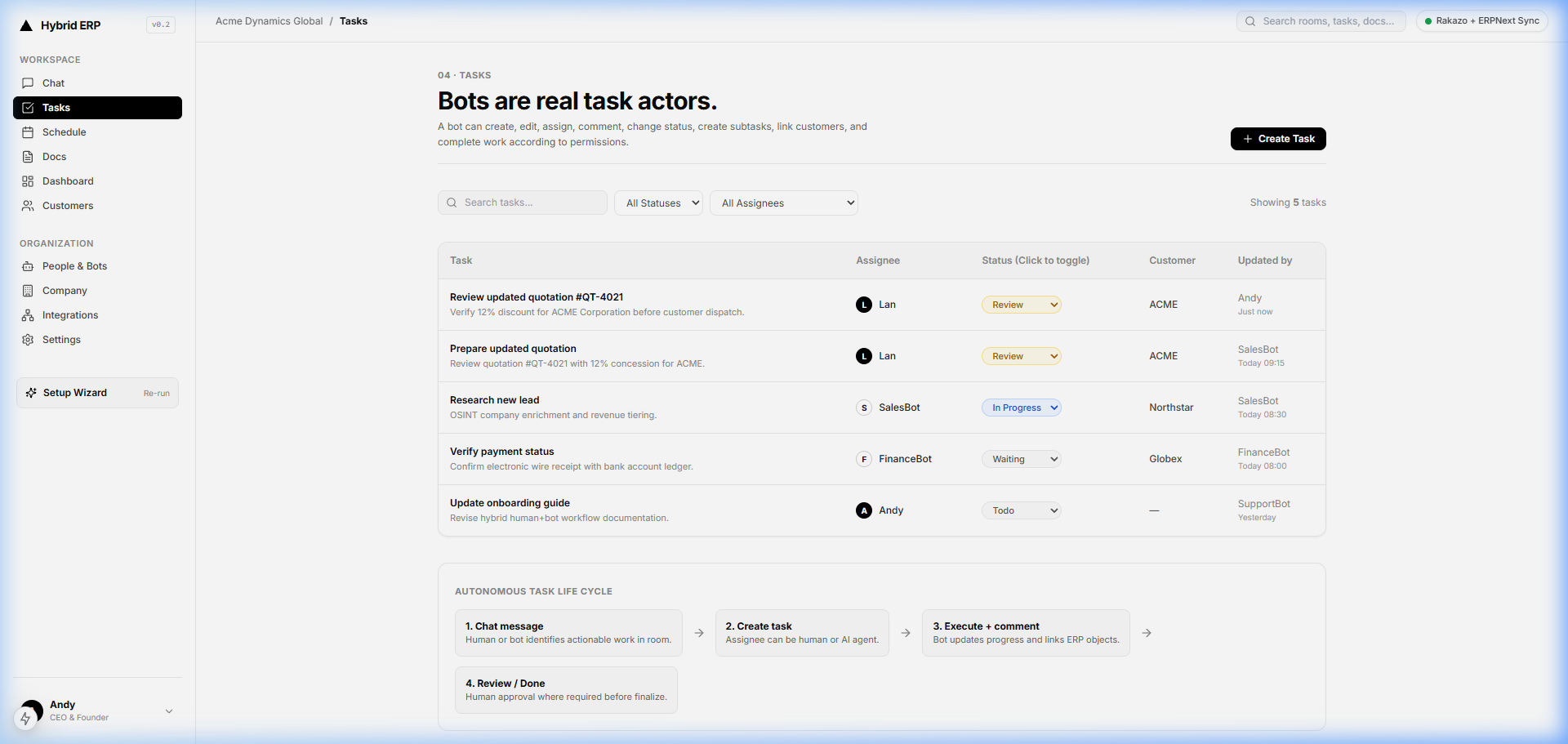
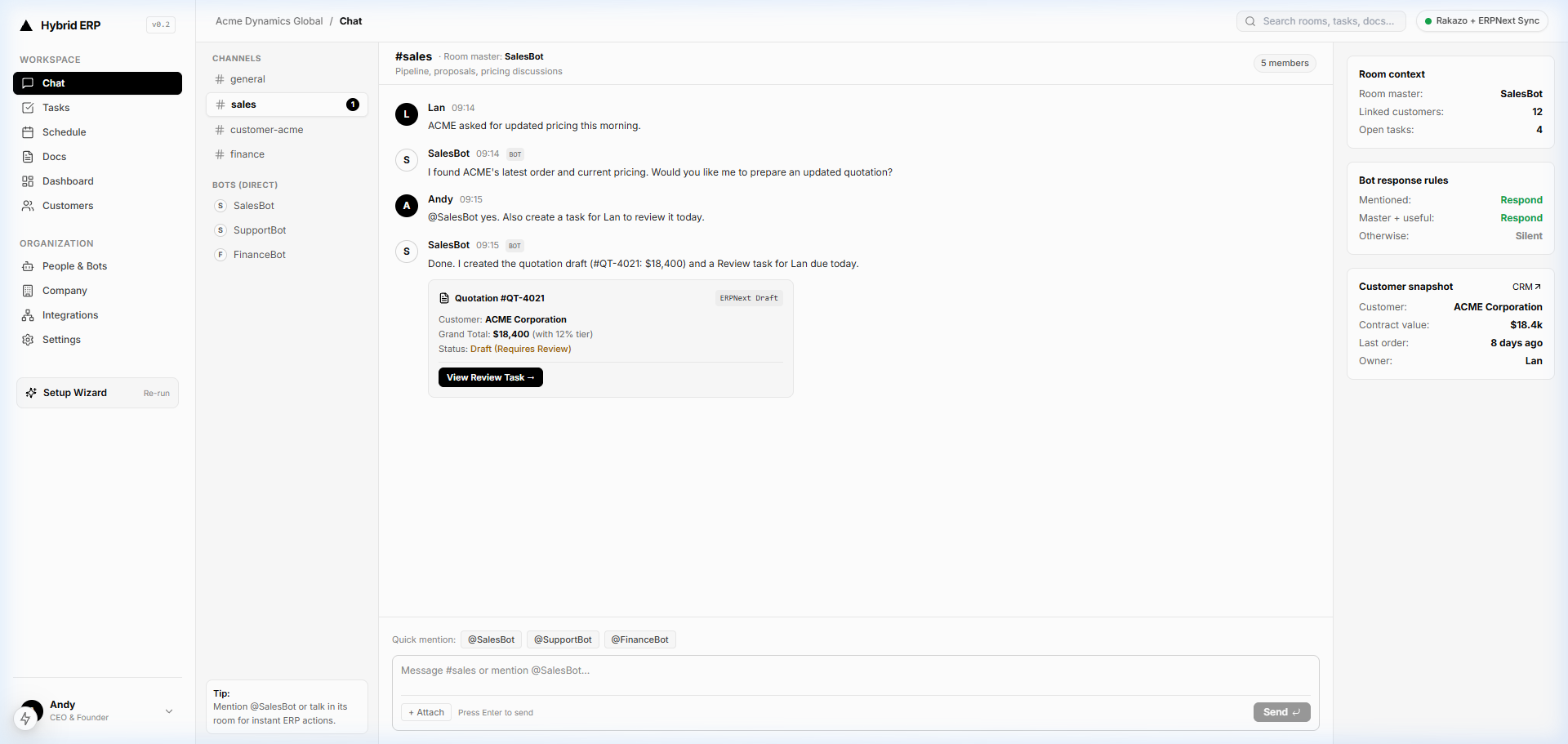
In DualforceOS—a chat-first enterprise operating system built around One workforce. Human + AI—document capture lives inside the same workspace where finance and operations teams collaborate. Through Docs & OCR, @FinanceBot reads incoming supplier bills (Auto: Read) and drafts structured payable entries as In-stream ERP Objects inside Chat Hub (Auto: Draft), linking vendor context from Customer 360 and open operational items in Tasks & Kanban. Routine status updates follow explicit execution permissions (Auto: Update), while price variances, new vendor records, or payment commitments automatically pause under Approval: Sign-off or Approval: Critical gates in the Attention Center. Once a finance manager inspects the source document and approves the object, the record updates cleanly and every extraction, edit, and human decision is preserved in the Audit Trail, with operational oversight visible in the Executive Hub.
Actionable Implementation Checklist for Finance Leaders
Use this eight-point checklist before rolling out ocr invoice processing across your accounts payable queue:
- [ ] Standardize invoice intake channels: Route supplier PDFs and scans (at 300 DPI minimum for paper bills) into one controlled ingestion point rather than individual staff inboxes.
- [ ] Define mandatory index fields: Require discrete extraction of vendor name, tax ID, invoice number, invoice date, due date, currency, line items, tax, and gross total.
- [ ] Enforce cross-field math checks: Block any extracted bill whose line-item extensions, freight, and tax do not reconcile exactly to the header total.
- [ ] Enable duplicate invoice detection: Cross-check vendor ID, invoice number, date, and gross amount against historical ledger entries before drafting a payable record.
- [ ] Set explicit approval tiers: Separate low-risk draft preparation from sign-off and critical approval gates for price variances, non-PO bills, and bank-detail changes.
- [ ] Establish batch quality assurance: Spot-check 5% to 10% of digitized paper batches against originals to verify legibility and zero dropped pages.
- [ ] Link source files to structured records: Keep the original PDF or scan attached directly to the payable object and audit log for rapid retrieval.
- [ ] Review exception patterns monthly: Inspect recurring vendor layout or PO mismatches with procurement leads to tighten upstream purchasing discipline.
Related Reading on the DualforceOS Blog
- Best OCR Software for Invoice Processing (2026 AP Guide)
- Invoice Scanning OCR Technology: Complete AP Workflow Guide
- Autonomous 3-Way Matching: Verifying Purchase Orders, Vendor Bills, and Receiving Slips
- The Human-in-the-Loop Imperative: Scaling Autonomy Without Losing Compliance
Ready to turn incoming vendor bills into structured, human-governed payable records without spreadsheet re-keying? Explore DualforceOS to request a finance workflow walkthrough or review current workspace plans on the pricing page.
Related articles
Invoice Scanning OCR Technology: Complete AP Workflow Guide
FAQ
What is invoice OCR and how does it work in accounts payable?
Invoice OCR (optical character recognition) is document-processing technology that converts scanned paper bills and PDF supplier attachments into structured header and line-item fields. Modern systems pair character extraction with layout parsing, deterministic math checks, and purchase-order matching so finance teams review exceptions instead of typing every vendor bill manually.
What is the difference between basic OCR invoice scanning and intelligent invoice OCR software?
Basic OCR invoice scanning converts image pixels into raw text strings and often breaks when vendors change table layouts or send multi-page bills. Intelligent invoice OCR software combines multi-modal layout understanding with accounting validation rules, mapping vendor IDs, quantities, unit prices, taxes, and totals directly into structured payable records.
How does invoice OCR support IRS electronic invoice storage rules?
Under IRC Section 6001 and IRS Revenue Procedure 97-22, electronically stored invoices must reproduce originals legibly, maintain searchable indexing fields such as vendor name, invoice number, date, and amount, support on-demand retrieval, and enforce access and audit controls. Structured invoice OCR populates those searchable index fields automatically upon capture.
Can OCR for invoice processing handle multi-page tables and handwritten adjustments?
Yes, modern document extraction models track table columns across page breaks and flag handwritten delivery notes or freight adjustments. Because handwritten annotations carry higher ambiguity than printed text, governed workflows route low-confidence fields or math discrepancies to a human reviewer before any accounting entry is committed.
Why should finance teams keep human sign-off gates in automated OCR invoice processing?
Unchecked automation can post duplicate supplier bills, misread unit-price changes, or accept altered vendor remittance details into the ledger. Keeping human approval gates on out-of-tolerance variances, unapproved vendors, and high-value disbursements lets routine matched invoices move quickly while finance leaders retain accountability over cash outflows.
The DualforceOS team builds the chat-first enterprise operating system where human operators and AI agents share one workspace, structured business records, and human-governed approvals.
Discussion
No comments yet